Type Design I
DSD-3611-C
Week 11 — 11.15.16
Tuesday 03:00PM–05:50PM
209 E 23 St, Room 506
805B 380 Second Avenue
Assignment 05
Website (tool)
You’re tasked to create a website that functions as a tool or experience for your viewer. It should have an interactive component (user action & website response). You'll need to consider how the website scales from desktop to mobile devices. You’re to deliver an invision prototype of one screen size. The second screen size will be delivered as .PNG’s. Let your concept inform which is most important to your project.
Deliverables
Invision Prototype (screen size 1)
.PNG Screens (screen size 2)
— Desktop (1300px)
— Mobile (375px)
Invision Prototype
Your final deliverable is a working prototype in Invision. This can be as many or as few screens or steps as needed to express your concept.
.PNG Screens
Using ‘save for web’ export your screen sizes at 375px. Order your file names sequentially so when previewed they will appear in order. Export as .PNG.
Resources
You can use the supplied Illustrator file. Don’t design in Photoshop or InDesign. Either use Illustrator or Sketch. Why?
Timeline
Week 11 — 11.15.16
Website (tool) assigned
Week 12 — 11.22.16
Website (tool) R01 — Research & Sketches
Bring in three different ideas and corresponding research around the subject. The ideas must be designed in Illustrator or Sketch.
Research
Similar to how you accumulated research on your artist for the exhibition assignment, have some printed slides about what's driving your concept or subject. They can be mood board style, where you're citing visual references, or they can be text based and bullet pointed. These will help you explain your ideas and give you some support while explaining your concept. Don't worry about designing these, just have them to gather your thoughts and tell us what you're trying to achieve.
Animation
If you have any animations of interactions or other ideas you're thinking about bring your laptop or your movie files on a drive so we can project them.
Sketches
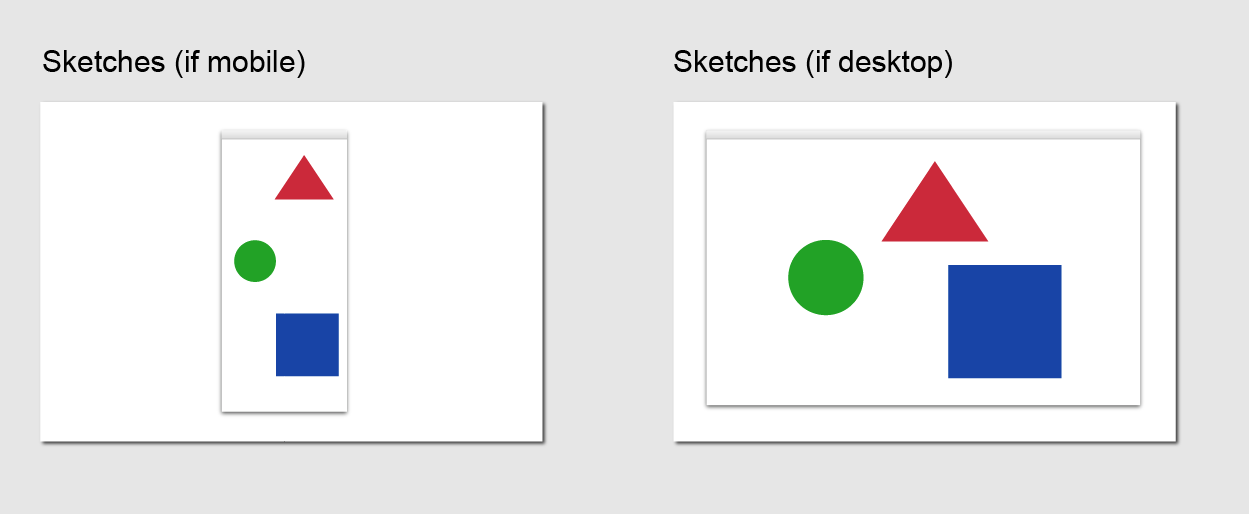
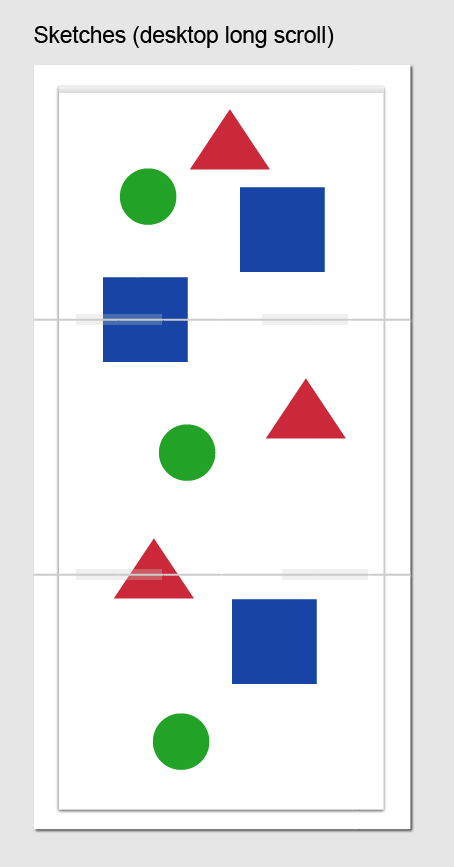
Please bring your website sketches printed on 8.5x11 paper. Print them out landscape, make sure to include the browser window for context —
If your website scrolls then tile it together —
Week 13 — 11.29.16
Website (tool) R02 — Design & Guest Crit
Decide which of your ideas you like best and continue to pursue it. Begin to prototype your screens in Inivsion. The earlier you start using your tool the better. Bring last weeks work as well to show your progress to the guest.
Week 14 — 12.6.16
Website (tool) R03 Prototype
Have a more clear direction of where you’re heading. If necessary, try to incorporate motion to your prototype.
Week 15 — 12.13.16
Website (tool) R04 Final
Have your final prototype ready to present.
Background
The web combines three facets of graphic design into one medium; print, motion and interaction. It lives on our desktops and in our pockets. It can organize and manipulate data at will. It can calculate endless amounts of information instantly. It’s a living, breathing thing.
Websites can be utilitarian, performance, poignant, art, useful, generative, powerful, funny...
In recent years we’ve seen services that can seemingly do anything. Find you a taxi. Order you a pizza in one tap. Search the entierty of the internet and deliver results. What do we really need anymore? What do you want to see in the world?
Make that.
Download PDF