Assignment 05
Signs & Symbols
Design a logo for a music production app and come up with a name. The app’s user interface (UI) also needs a consistent set of 10 icons derived from the logo design. Your icons must not rely on existing symbolic conventions such as a floppy disc for save, an octagon for stop, or a circle for record. They are to be designed at 40×40px, but scale up to 6x6" squares. These icons should share common stylistic attributes and feel like a family. The concepts are:
1. Start
2. Pause
3. Stop
4. Save
5. Load
6. Delete
7. Record
8. Tempo
9. Pitch
10. Delay
Week I
Name your app and design a logo. Your name and logo design will inform the stylistic attributes of your interface icons. Print your logo at 6x6".
Draw sketches of your ten icons, four versions of each concept, pen on paper for a total of 40 sketches. These sketches should use the sketch template. Although only 4 versions are required, I encourage you start in a sketchbook, loosely ideating several symbols. Edit down your collection into the best four for each concept.
Week II
Design your 10 icons in Illustrator, 40×40px. Remember, your name and logo design should inform the stylistic attributes of your interface icons. Print and mount your icons, 6x6" mounted on ⅛" white foam core as well as an example of your app icon also printed and mounted on ⅛" white foam core. Take what you’ve learned from our modular alphabet assignment and apply this system based approach to your set of icons. Your icons should share the same height, width, and grid.
Background
Icons are different than letterforms. An alphabet is a writing system where glyphs stand for sounds in a spoken language. Understand that icons represent something less abstract as a glyph, they have inhernt meaning. In class we discussed the fundamentals of icon design. We will use these terms to evaluate your icons.
Concept—A concept is an abstract idea representing the type and fundamental characteristics of some set of objects. In terms of graphic iconography the concept is what you need to communicate to the user.
Symbol—A symbol is a mark, sign, or word that indicates, signifies, or is understood as representing an idea, object, or relationship.
Style—Style is considered the visual details in which an icon is rendered. This can be fill style, line weight, round corners, color, size, etc.
System—A system is the consistent details that carry from one icon to the next. How are the stylistic details executed across the set, and what is the underlying grid or scale relationship the icons follow.
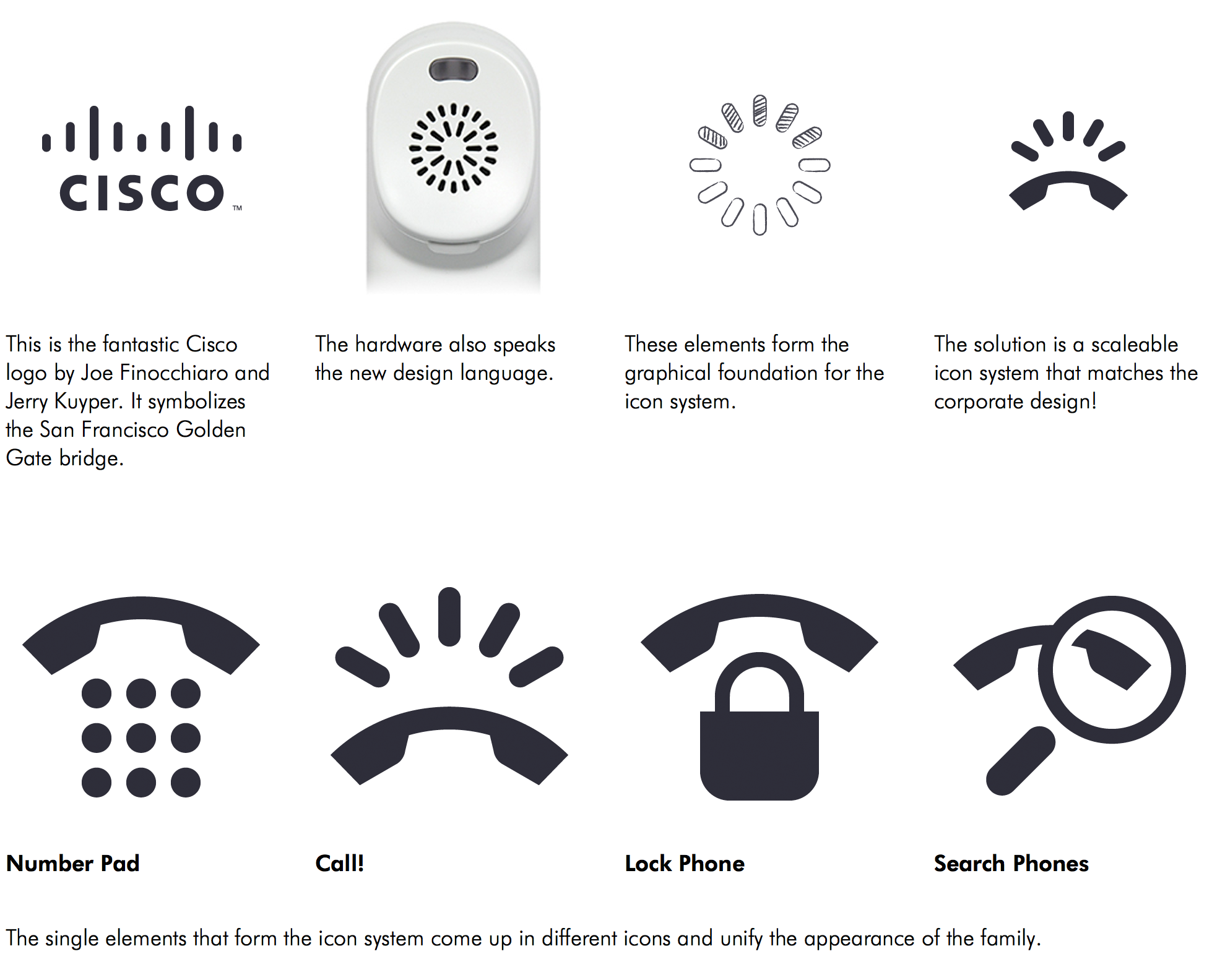
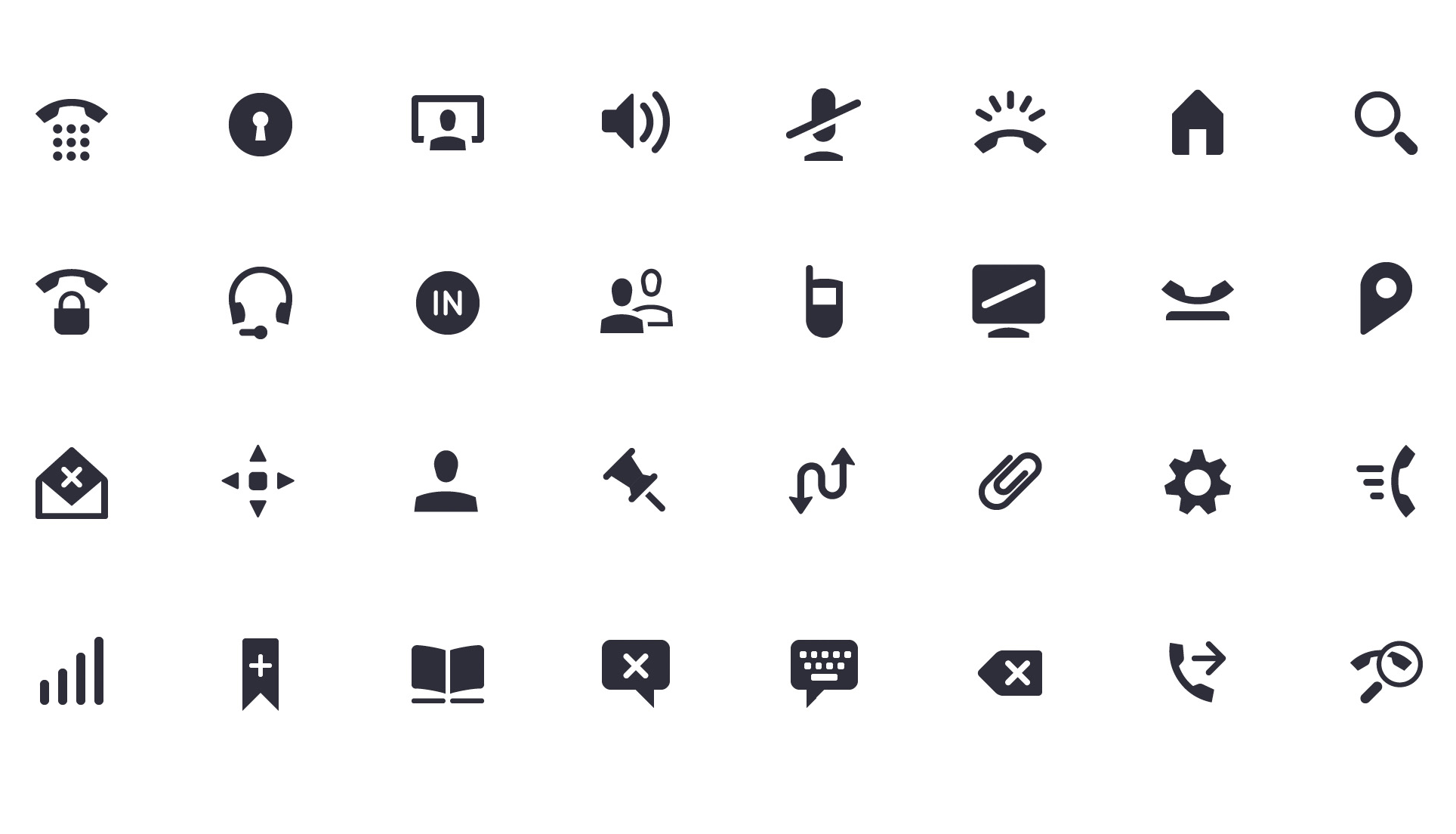
1. Full Icon Set for Cisco by Iconwerk Link
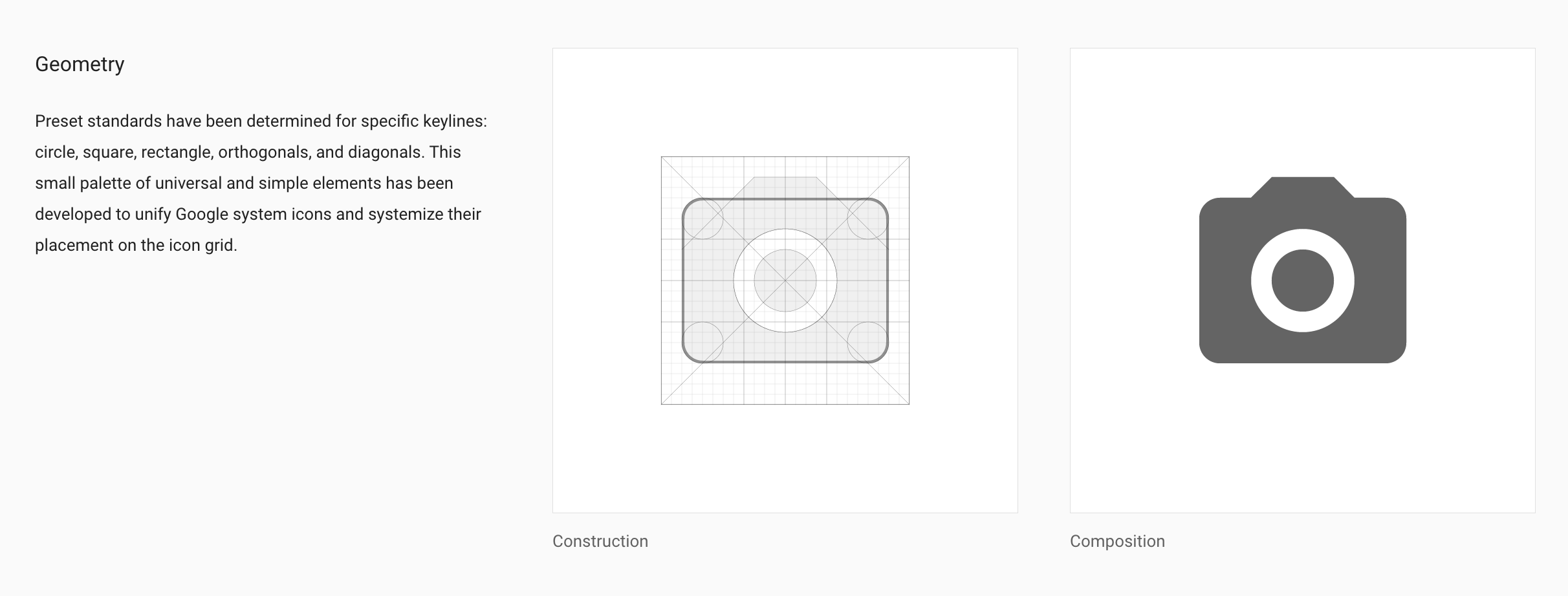
2. Material Design Icon Grid Link
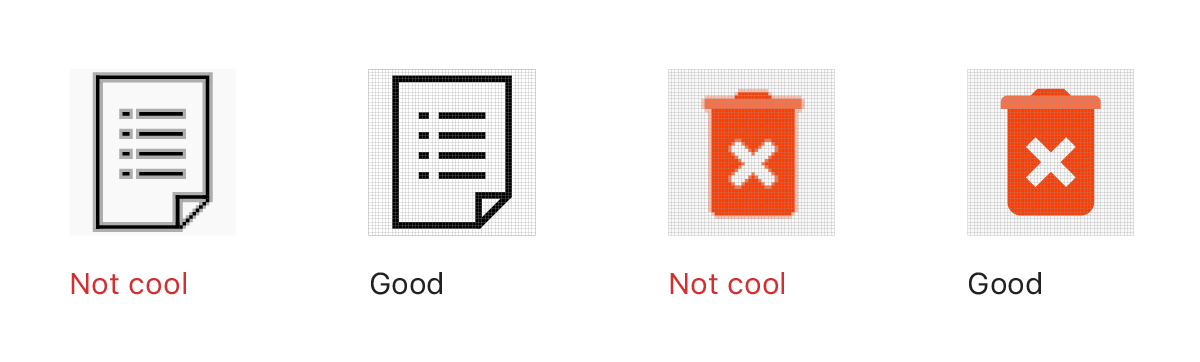
3. How to Design an Icon Set: Simple Checklist for Graphic Designers Link